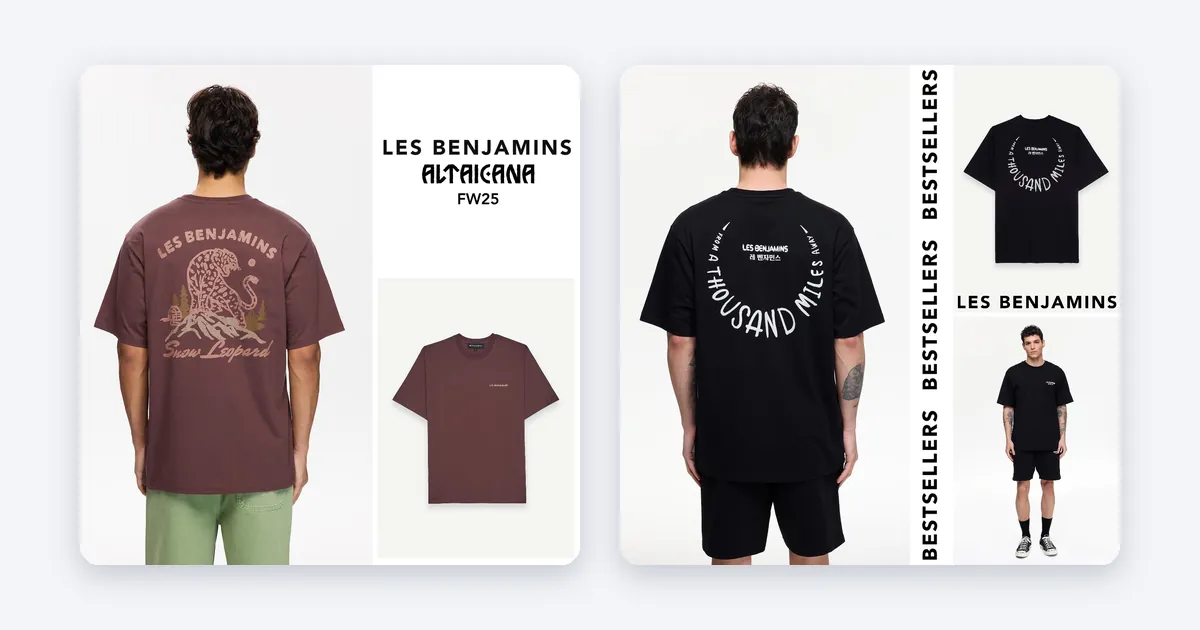
Creative automation4 min read
How do you show urgency or low stock in a product ad?
Urgency works only when it is true: real stock, a real end date and a price that matches the page. Here is how to build it step by step.
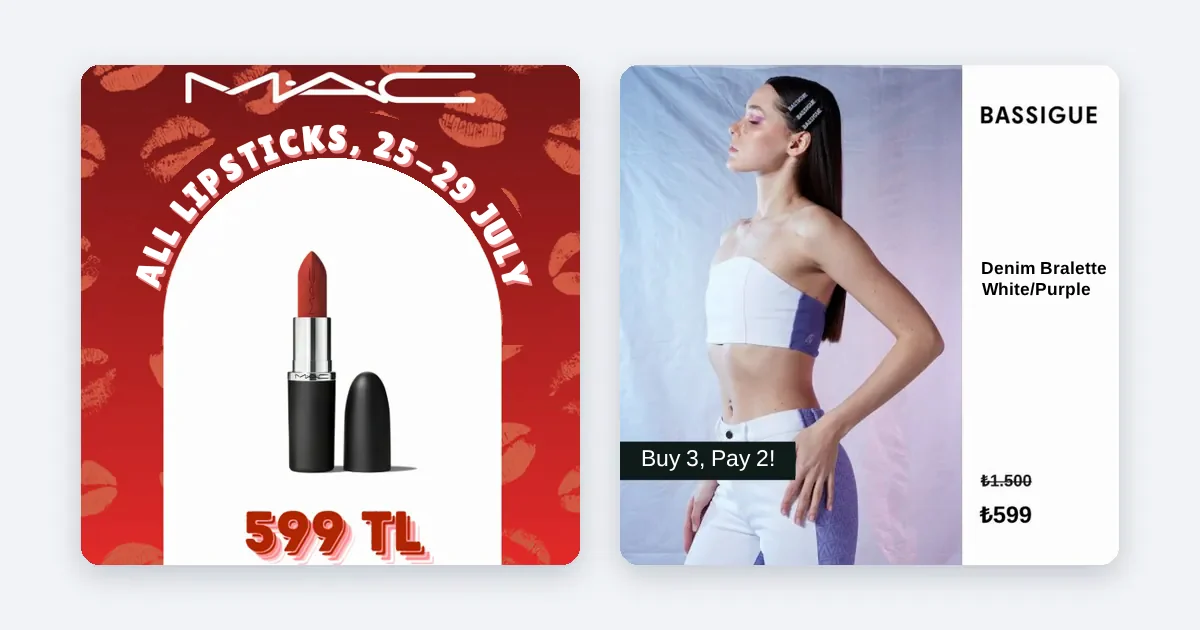
Creative automation4 min read
Urgency works only when it is true: real stock, a real end date and a price that matches the page. Here is how to build it step by step.
Creative automation4 min read
Neither wins everywhere. Images are fast and cheap to run at scale, video shows more. Start with images for every product and test video where it earns it.
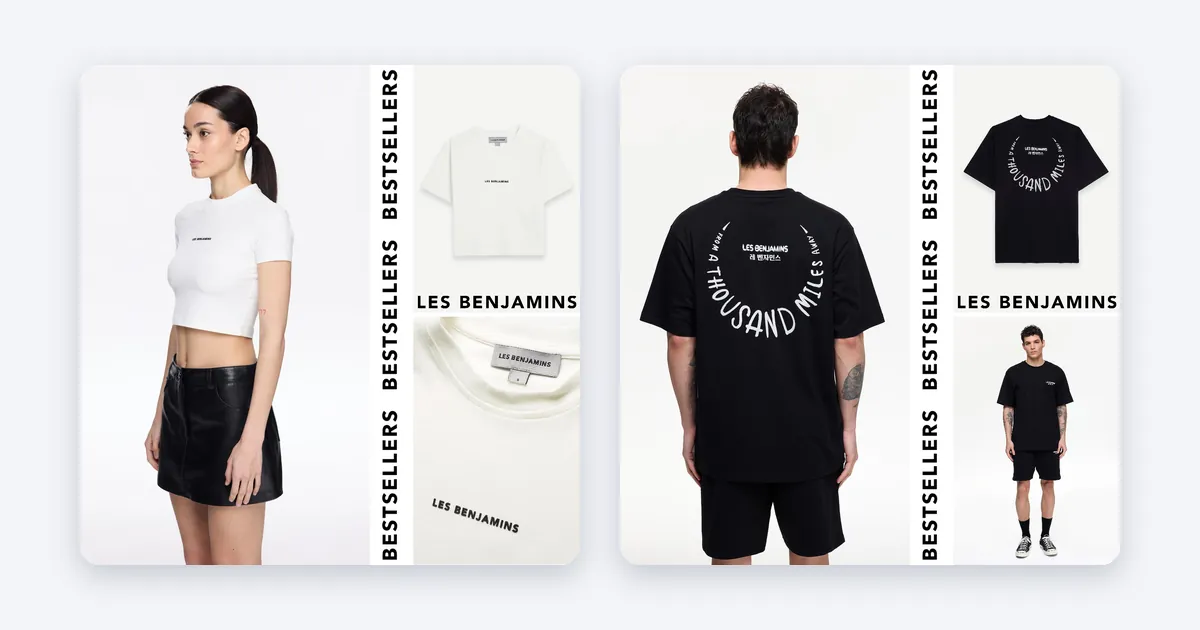
Creative automation4 min read
No color wins everywhere. The ones that work stand out from the feed, contrast with the product and match your brand. Here is how to choose and test.

Creative automation5 min read
Put the logo small and clear in one corner, away from the product and the edges the app covers, and use the same spot on every ad.

Creative automation5 min read
Yes, when the reviews are real and recent. Show one honest rating or one short quote, keep it readable, and never invent a number.
Creative automation5 min read
Prepare each product image in three ratios, 1:1, 4:5 and 9:16, so the ad fits Feed, Stories and Reels without being cropped badly.
Product intelligence4 min read
To lower CPC and CPA on Meta, use creative that gets clicked more, a clean feed and a smarter choice of which products to push.
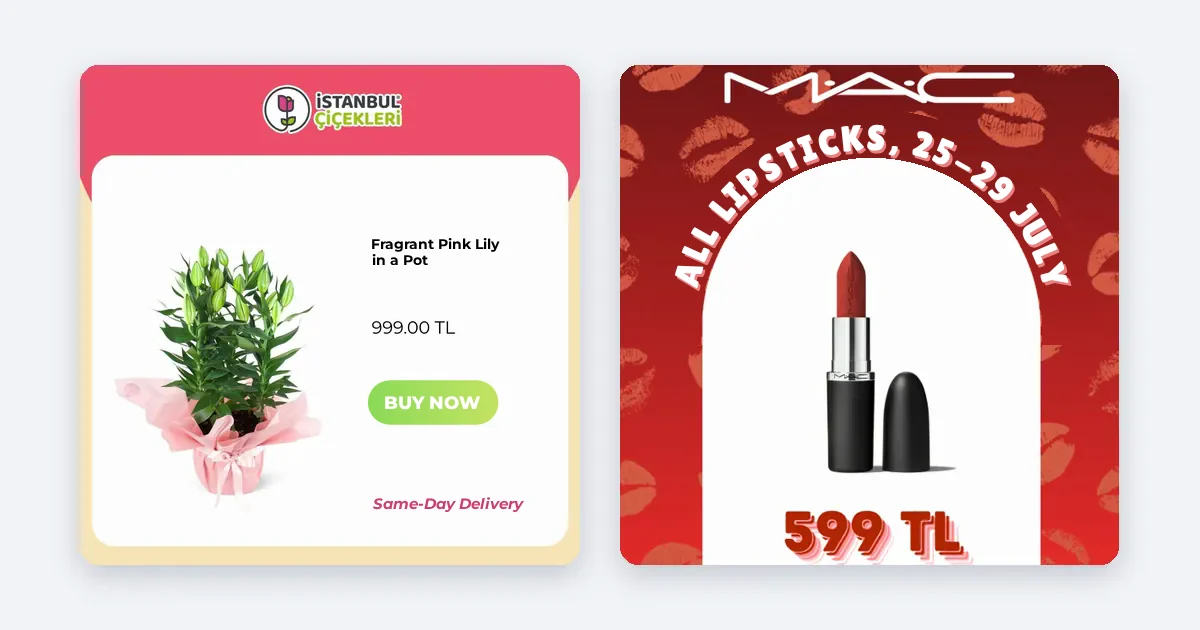
Creative automation4 min read
If you tie the price and discount badge to your feed instead of typing them into the image, the ad updates itself when the price changes.
Creative automation4 min read
Instead of designing hundreds of product ad images one by one, connect one design layout to your product feed and generate them automatically.
Product intelligence4 min read
In Advantage+ sales campaigns, ROAS is lifted by the quality of the feed and the ad images you supply, not by budget tweaks.