Set your daily budget so each ad set can collect about 50 results a week: multiply your cost per result by 50 and divide by 7. Meta flags an ad set as "Learning limited" when it is unlikely to reach around 50 optimization events in the week after its last significant edit, so that number is the floor to plan around.
Why a fixed budget figure does not exist
Articles that say "spend 20 a day" ignore your price, margin and conversion rate. A shop selling a 15 item and a shop selling a 1,500 item need very different daily amounts to get the same number of purchases. The budget has to come from your own cost per result.
Meta's Help Center explains the logic. An ad set is flagged "Learning limited" when it is unlikely to receive around 50 optimization events in the week after your last significant edit. Meta's suggested fixes include combining ad sets, widening the audience, raising the budget and raising the bid or cost control. A "significant edit" includes pausing the ad set or changing the optimization event, audience or creative, and a big change to budget or bid may count too.
Sources: Meta Business Help Center, About learning limited and Last significant edit.
Work out your minimum daily budget
- Pick the result your ad set optimizes for. For product ads this is usually Purchase. If you sell few items a day, a result higher in the funnel, such as Add to cart, collects events faster, but those results are less valuable.
- Find your cost per result. In Meta Ads Manager, look at the last 30 days for that result, or use the highest cost you can accept.
- Multiply by 50. This is the spend an ad set needs in a week to have a chance of leaving the learning limited state.
- Divide by 7. This is your minimum daily budget per ad set.
A worked example (made-up numbers, not real data): your cost per purchase is 20. Fifty purchases cost 1,000. Divided by seven that is about 143 a day for one ad set. If you cannot afford 143 a day, run fewer ad sets so the budget is not split too thin.
This is a floor from Meta's own signal, not a promise of results. It tells you what a test needs to be readable.
Check the budget against your margin
A budget is only sensible if each purchase leaves you something.
- Work out your break-even cost per purchase: your gross profit per order before ad costs.
- Compare it with your real cost per result. If it is higher, fix the ad or the product feed before adding budget.
- Pick a monthly spend you can afford to lose while you learn, and divide it by 30 for the daily number. If this number is below the floor above, reduce the number of ad sets, not the quality of the test.
How to split budget across products
- Group products by margin and by how well they sell, not one campaign per product.
- Give each group its own ad set only if its budget can reach the floor above. Otherwise keep them together.
- Let the product set inside an ad set carry the variety. A dynamic product ad can show many products from one set, so you do not need an ad set for each.
How to scale without breaking results
- Raise the budget in small steps and wait a few days. Large jumps can count as a significant edit.
- Scale the groups whose ROAS stays above your target. Do not scale the weak ones in the hope that more spend fixes them.
- Keep the creative and audience unchanged while you scale, so you can see what the budget alone did.
Daily or lifetime budget?
A daily budget keeps spend steady and is easy to reason about. A lifetime budget lets Meta spend more on days that look better, within a schedule you set. For a first plan, use a daily budget and read the result at the end of each week.
How Framepx helps
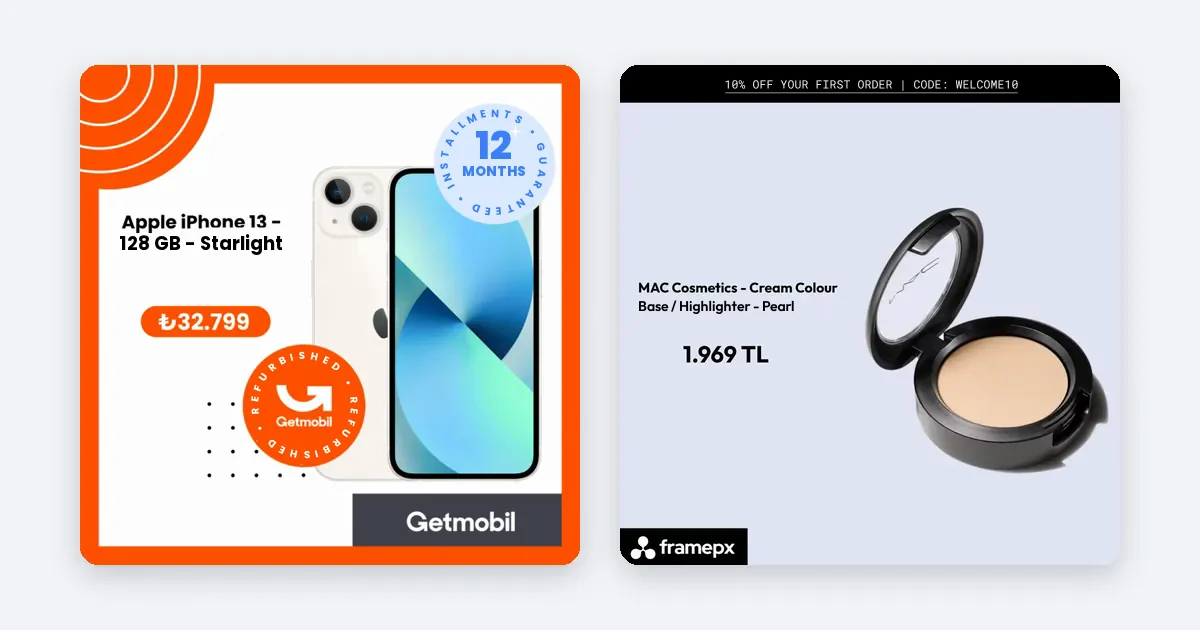
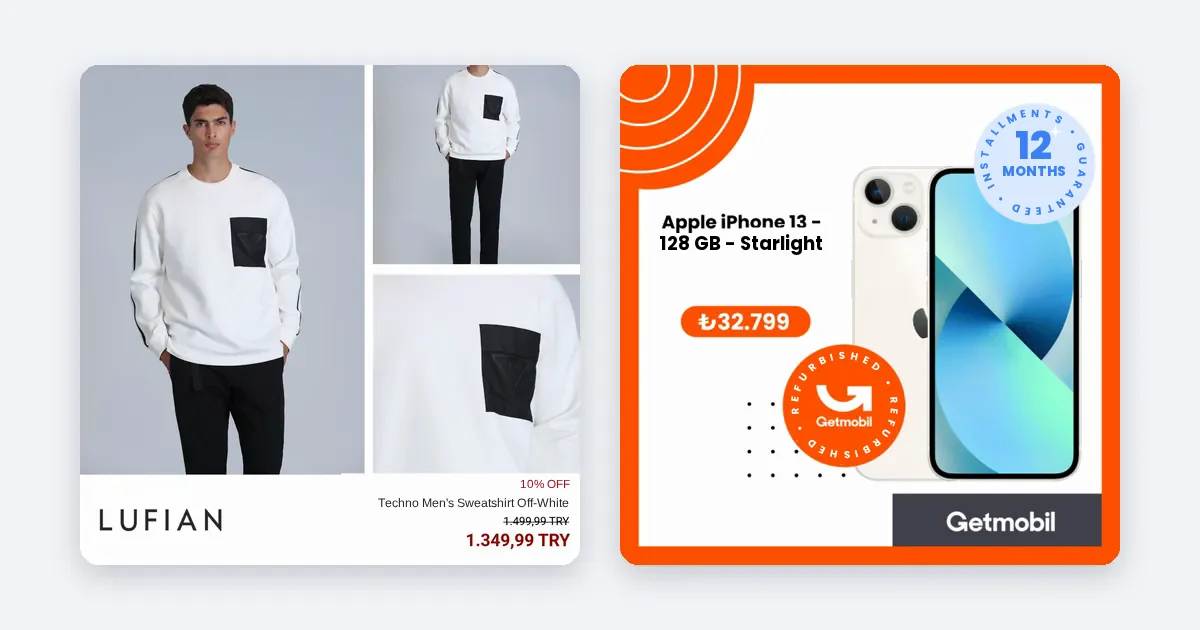
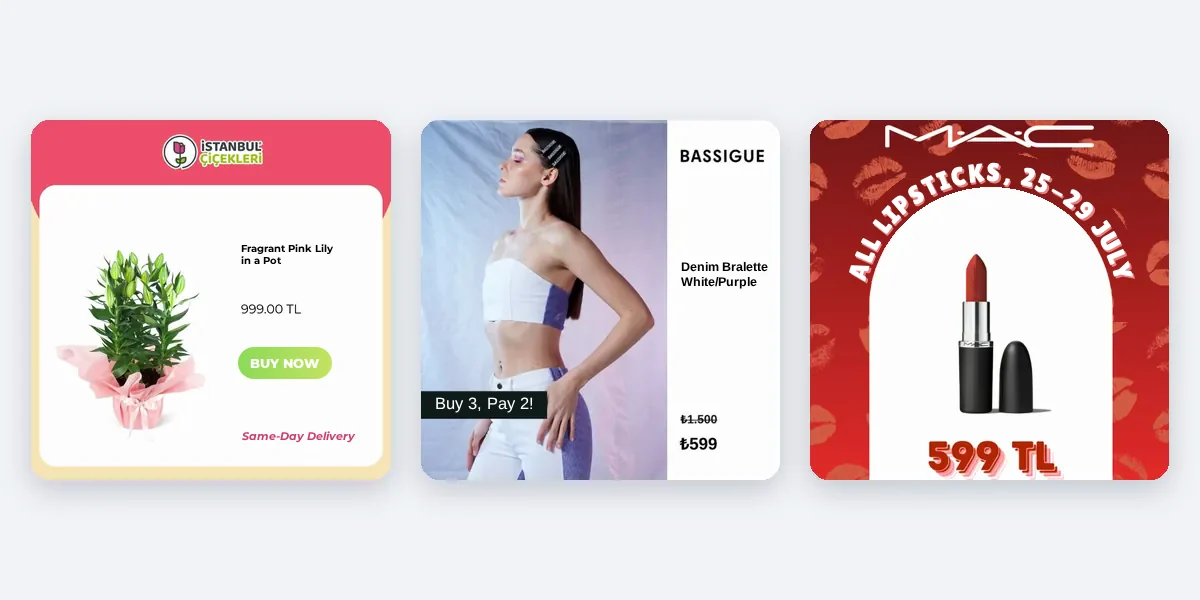
Framepx is an AI system for product ads, offered as AI as a service. Its AI engine turns every product in your feed into your brand's own ad in 1:1, 4:5 and 9:16, and keeps each ad in step with the product's price and stock. Its decision engine picks which product shows where from price, stock, channel results and GA4 data. The channels read the ads through a feed link today. Framepx does not set your Meta budget for you; that stays in your own ad account.
Frequently asked questions
Can I run Meta product ads on a very small budget?
Yes, but the learning signal will be slow. Use one ad set, one optimization event and a stable creative, and judge results over several weeks, not days.
Should I change the budget every day?
No. Frequent changes make results hard to read. Review weekly and change in small steps.
Is the 50 events figure a rule?
It is Meta's own signal for the learning limited label, not a guarantee. Use it to plan a minimum, not to promise results.
Can I start Framepx for free?
Yes. You can start free for up to 30 days on the steps the panel asks for. See Pricing for plans.
To try ads built from your feed, schedule a demo.
Written by
Framepx team, Editorial team
The Framepx editorial team writes for brands, marketers and agencies about ad platforms, measurement, creative and product feeds.