There is no universal safe frequency: it is too high when your results get worse while frequency goes up. Meta defines frequency as impressions divided by reach, and treats falling performance alongside rising frequency as a sign of ad fatigue.
What frequency means
Frequency is the average number of times each person saw your ad. Meta's Help Center calculates it as impressions divided by reach, and marks it as an estimated metric based on sampled data. If an ad had 10,000 impressions and reached 4,000 people, its frequency is 2.5.
Meta's own pages say the number may average between one and two for an ad set, or be much higher, depending on your budget, audience size and schedule. They give default caps only for specific buying types: reach and frequency buying defaults to two impressions every seven days, and the Brand Awareness objective reaches people up to twice every five days by default. None of these is a rule for product ads sold on conversion goals. Do not copy a number from an article, including this one.
Sources: Meta Business Help Center, Frequency, Glossary of Reach and Frequency Terms.
Why high frequency hurts
Seeing the same image five times in a week does not make a person five times more likely to buy. After a point the ad becomes background. Click-through rate drops, the cost of each click rises, and the auction charges you more for less attention. Meta describes this as ad fatigue and suggests new creative or targeting when performance falls as frequency rises.
Frequency also hides behind totals. A campaign average of 2 can mean most people saw the ad once and a small group saw it ten times. Look at frequency per ad set and per ad, not only per campaign.
How to check frequency in Meta Ads Manager
- Open Meta Ads Manager and choose the level you want: campaign, ad set or ad.
- Click Columns, then pick Delivery. Add the Frequency column.
- Set the date range to at least the last seven days, and add a second view with the previous seven days.
- Add click-through rate (CTR), cost per result and ROAS beside it.
How to decide whether your frequency is too high
Compare frequency with results over time, per ad.
- Pick an ad with a long run. Write down its frequency and CTR for week one, week two and week three.
- If frequency rose and CTR and ROAS fell, you are seeing fatigue. If frequency rose and results held, you can leave it.
- Compare two ads in the same ad set. The one with the higher frequency and the weaker results is your first candidate to replace.
- Compare audiences. A small audience reaches high frequency fast, and there is little you can do except widen it or rotate creative.
How to bring frequency down
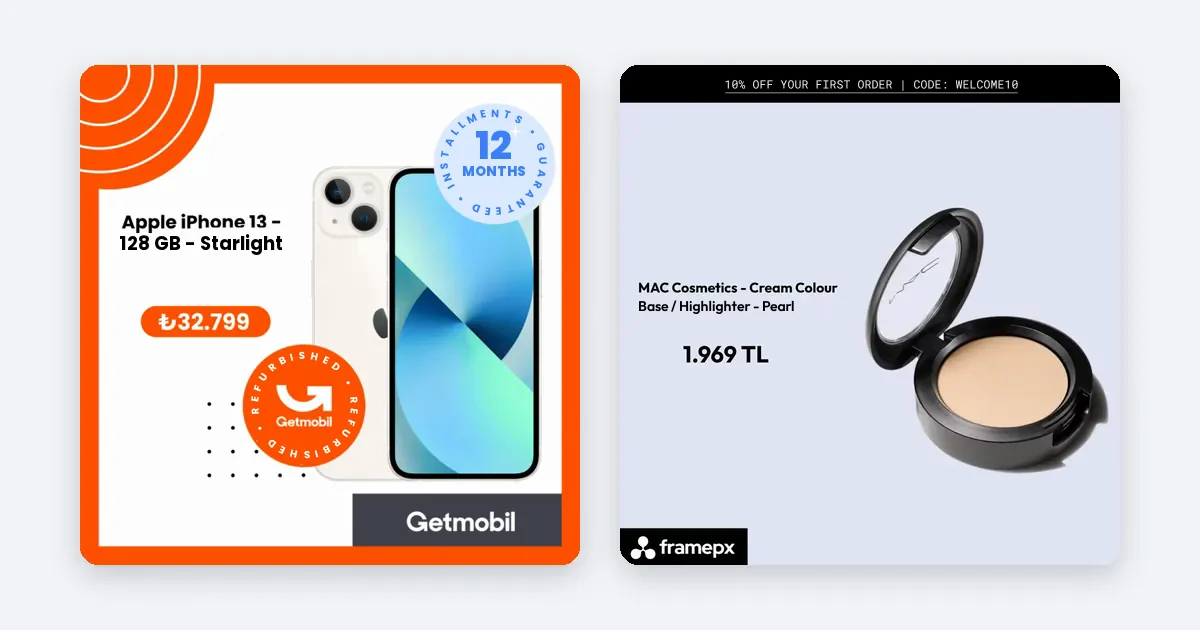
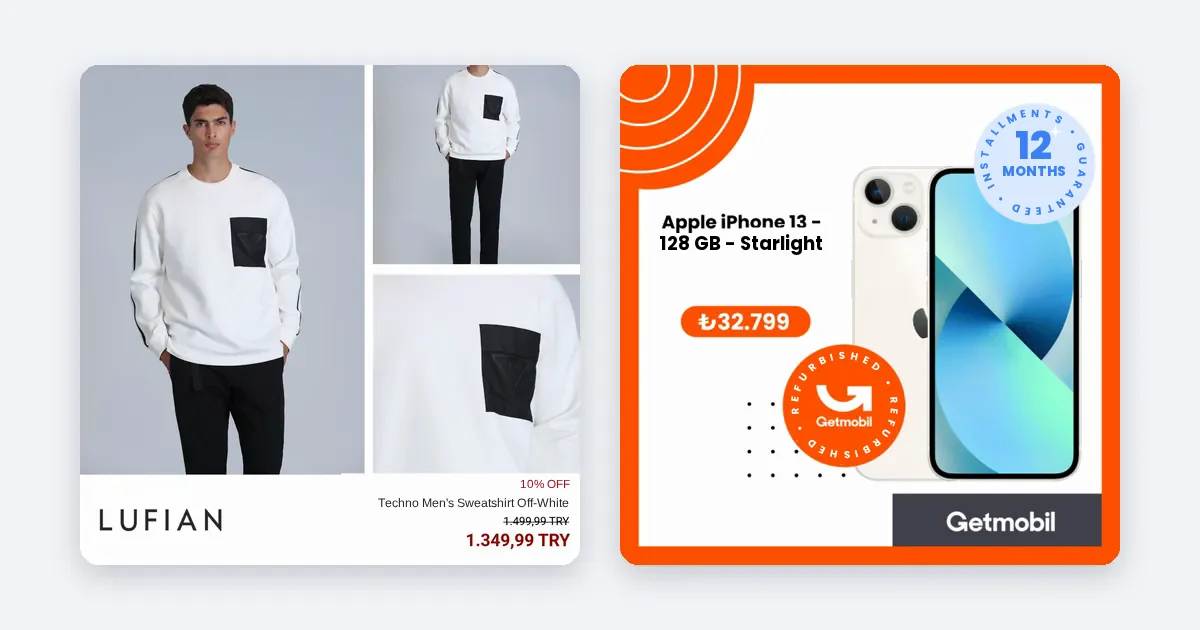
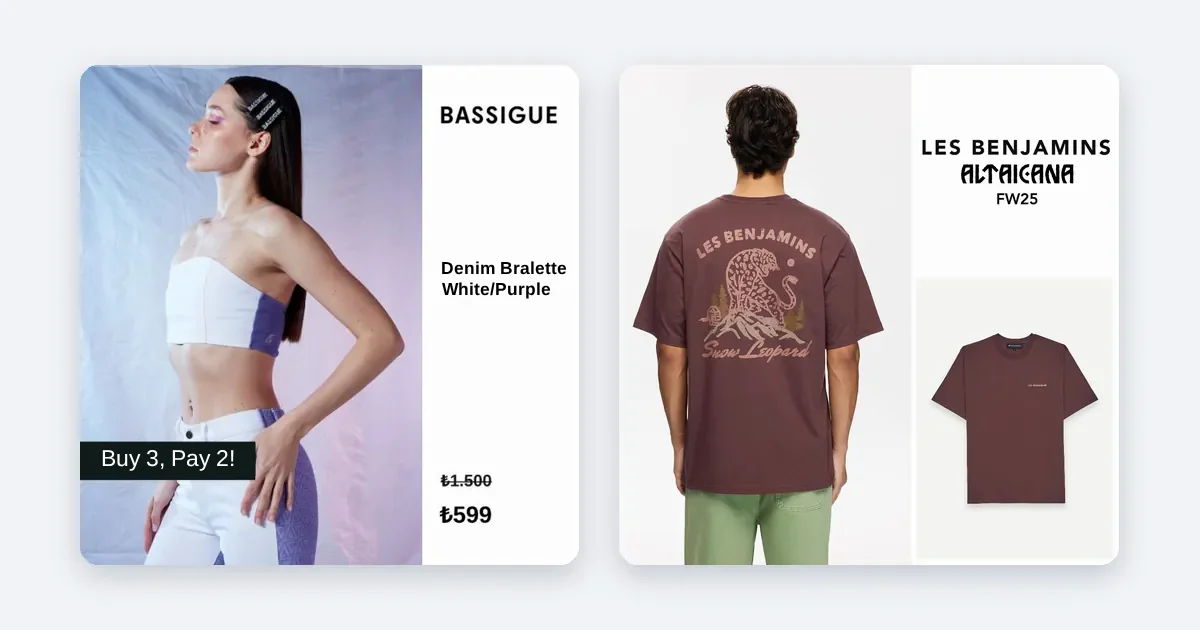
- Refresh the creative. A new image for the same product resets attention. Change something people notice: the layout, the background, the offer line, not only a small color.
- Widen the audience. More people means the same budget is spread thinner. In a dynamic product ad set, broader targeting also lets Meta show more of your products to new people.
- Lower the budget on the ad set if it is too large for its audience.
- Use different formats. The same product as a 1:1 feed image, a 4:5 portrait and a 9:16 Story gives people a fresh look at it.
- Exclude recent buyers so people who already bought stop seeing the ad.
What this means for a large product range
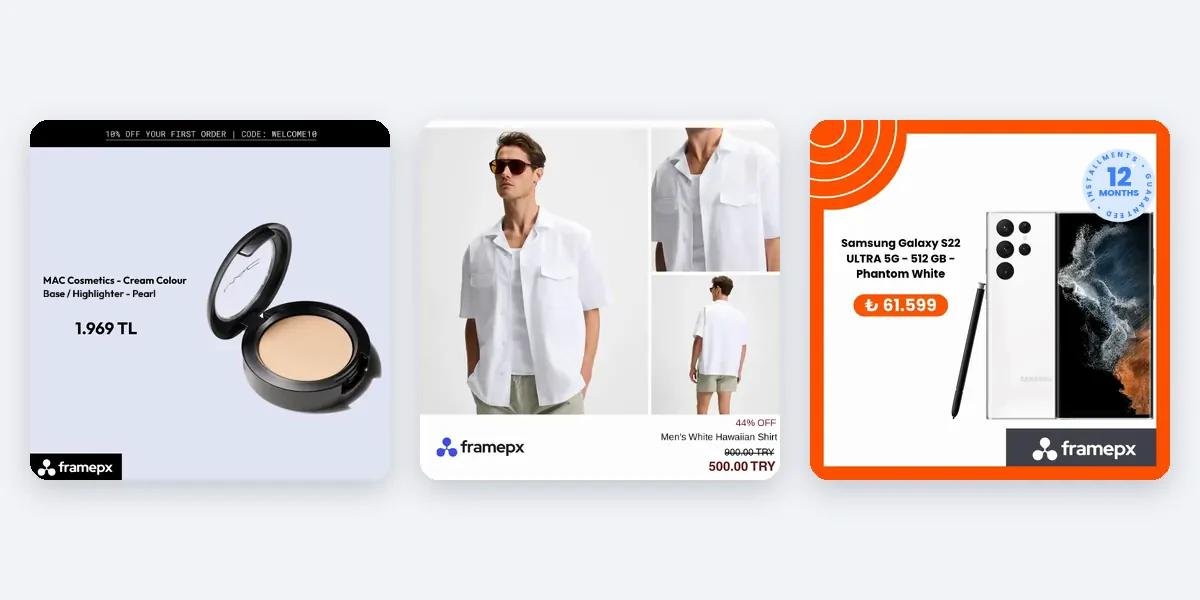
A shop with hundreds of products can rotate which product it shows, so no single product has to carry every impression. The risk appears when the same few best sellers take most of the spend. Their frequency climbs while the rest of your range sits unseen. Check this in your own account by sorting products by spend. Spreading spend across more of the range, based on price, stock and results, keeps frequency lower without reducing the budget.
How Framepx helps
Framepx is an AI system for product ads, offered as AI as a service. Its AI engine turns every product in your feed into your brand's own ad in 1:1, 4:5 and 9:16, so you do not have to design fresh versions by hand, and it keeps each ad in step with the product's price and stock. Its decision engine picks which product shows where from price, stock, channel results and GA4 data. The channels read the ads through a feed link today. Framepx does not claim to set or cap your frequency; that remains a setting in your ad account.
Frequently asked questions
Is a frequency of 3 too high?
Not by itself. Meta gives no single threshold for it. Check whether CTR and ROAS fall as frequency passes 3 for that ad. If they hold, 3 is fine for you.
Does frequency reset?
It is calculated for the date range you choose. Change the range and the number changes. Compare the same range length week to week.
How often should I change the creative?
When the data says so: frequency up, CTR or ROAS down. A fixed calendar is a guess. Watching the trend per ad is more reliable.
Can I start Framepx for free?
Yes. You can start free for up to 30 days on the steps the panel asks for. See Pricing for plans.
To try fresh ads for every product, schedule a demo.
Written by
Framepx team, Editorial team
The Framepx editorial team writes for brands, marketers and agencies about ad platforms, measurement, creative and product feeds.