There is no single good ROAS: a good ROAS is one comfortably above your break-even ROAS. To find break-even, divide 1 by your gross margin, so a 40% margin means a break-even ROAS of 2.5.
What ROAS is and how to calculate it
ROAS (return on ad spend) shows how much revenue each unit of ad spend brings back.
ROAS = revenue from ads / ad spend
If you spend 1,000 in Meta Ads Manager and the ads report 4,000 in purchase value, your ROAS is 4. Some screens show this as 4.00, others as 400%. They mean the same thing.
ROAS measures revenue, not profit. A product with a thin margin can show a pleasant ROAS and still lose money. So find your own threshold first.

Find your break-even ROAS
This takes five minutes in a spreadsheet.
- For one product group, write down the selling price and the full cost: product cost, shipping, packaging and payment fees.
- Work out gross margin: (price minus cost) / price.
- Divide 1 by that margin. The result is your break-even ROAS.
- If you also want to cover fixed costs outside advertising, set your target a little above that number.
A worked example (made-up numbers, not real data): price 100, total cost 60, so the margin is 40%. Break-even ROAS is 1 / 0.40 = 2.5. At a ROAS of 2.5 you spend as much on ads as the sale leaves you. At 3.5 you keep something after advertising.
Low-margin products have a high threshold, high-margin products a low one. Set targets per product group rather than one number for the whole shop.
Why industry averages mislead
You will see lines like "a good ROAS is 4". Those figures blend sectors, margins and seasons. A number that works for kitchenware may lose money in electronics. Do not aim at an average whose source and method you cannot check. Your own account history is the only reliable evidence of what is good for you.
Steps to move ROAS toward your target
Once you have a target, find out why the real number falls short.
- In Meta Ads Manager, split results by product group and put each group's ROAS side by side.
- For groups under target, check the product feed first. The diagnostics page in Commerce Manager lists missing fields and rejected items. A wrong price or an out-of-stock product cuts revenue directly.
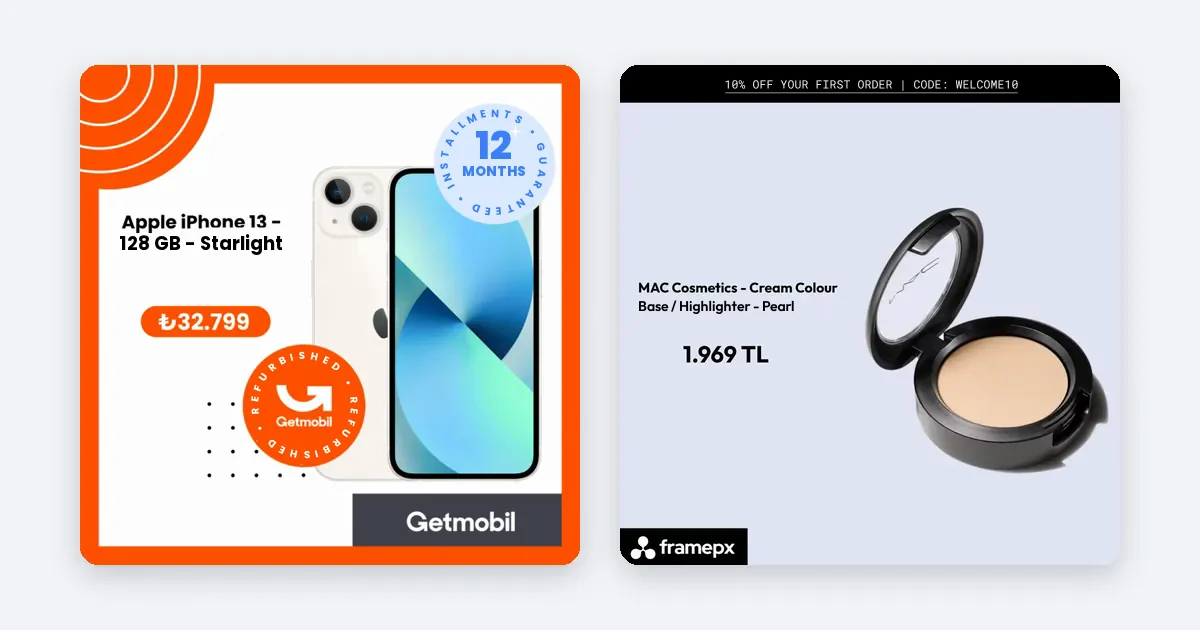
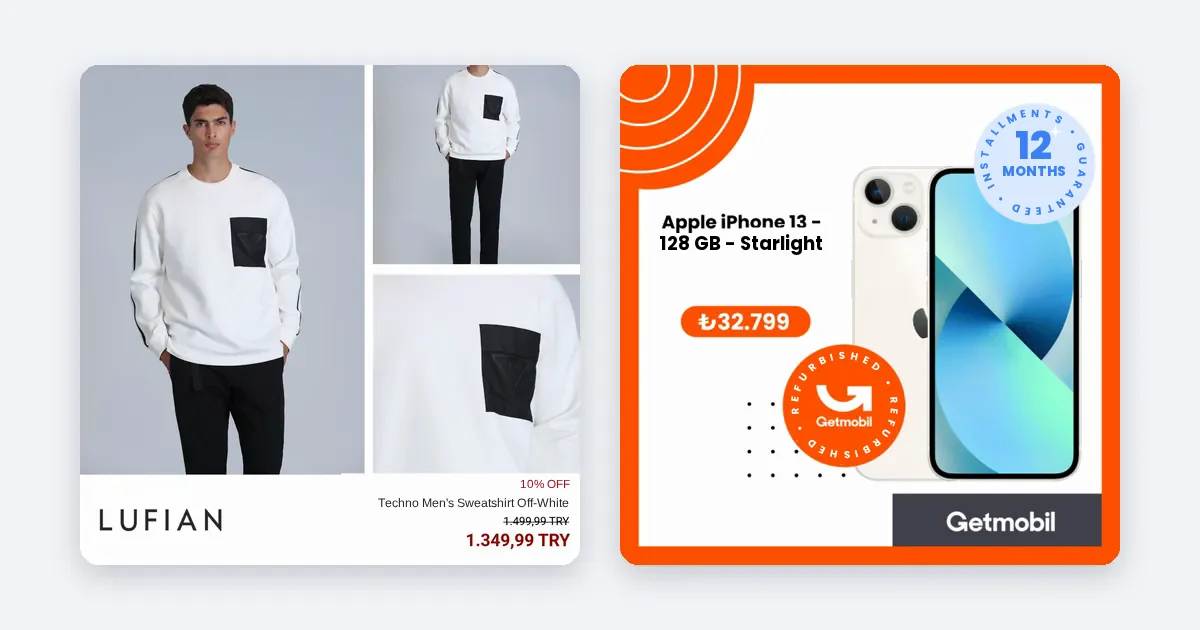
- Review the creative. Try a branded ad image in place of a plain product photo, and use the right size for each placement: 1:1 or 4:5 for the feed, 9:16 for Stories and Reels.
- Shift budget gradually toward groups far above target. Doubling a budget in one day can disturb Meta's delivery learning, so move in small steps.
- Judge results over at least a week. Do not decide on a single day.
Turn the target into a weekly routine
Every week, compare each group's ROAS with its break-even number and sort the groups into three piles: cut, fix, grow. A group below break-even gets its budget reduced while you look for the cause: a feed error, a weak image, a wrong price. A group above break-even but below target keeps its budget while you refresh the creative. A group above target gets more budget.
This makes "good ROAS" a working measure that tells you what to do this week, not an abstract number.
How Framepx helps with these steps
Framepx is an AI system for product ads, offered as AI as a service. Its AI engine turns every product in your feed into your brand's own ad in 1:1, 4:5 and 9:16, and keeps each ad in step with the product's price and stock. Its decision engine picks which product shows where from price, stock, channel results and GA4 data. The channels read the ads through a feed link today.
A real result
For Rakle (glassware and lifestyle), ROAS rose 46% compared with standard product ads. That figure comes from Rakle's own account, measured against its standard product ads. Every brand has its own margin, budget and season, so treat it as an example, not a promise about your ROAS. Calculate your own break-even first and judge your ads against it.
Common mistakes when tracking ROAS
- Reading a single day. A purchase sometimes comes days after the ad was seen, so short windows can show a ROAS lower than the real one.
- One target for every product. Products with different margins have different break-even points.
- Watching only ROAS. Cost per purchase, basket size and the share of new customers tell you what ROAS cannot.
- Missing feed errors. A wrong price or a sold-out item lowers ROAS whatever the campaign settings say.
Frequently asked questions
Is a ROAS of 4 good?
It depends on your margin. At a 40% margin, break-even is 2.5, so 4 leaves a profit. At a 20% margin, break-even is 5, so 4 loses money. Work out your own threshold first.
What is the difference between ROAS and CPA?
ROAS is revenue divided by spend. CPA is what one purchase costs you. They describe the same events from two sides: with a fixed basket size, a lower CPA means a higher ROAS.
Does ROAS fall when I raise my budget?
Often a little, because ads reach the best-fit people first. Raise the budget in small steps and watch whether ROAS stays above your target.
Can I start Framepx for free?
Yes. You can start free for up to 30 days on the steps the panel asks for. See Pricing for plans.
To try your ads, schedule a demo.
Written by
Framepx team, Editorial team
The Framepx editorial team writes for brands, marketers and agencies about ad platforms, measurement, creative and product feeds.