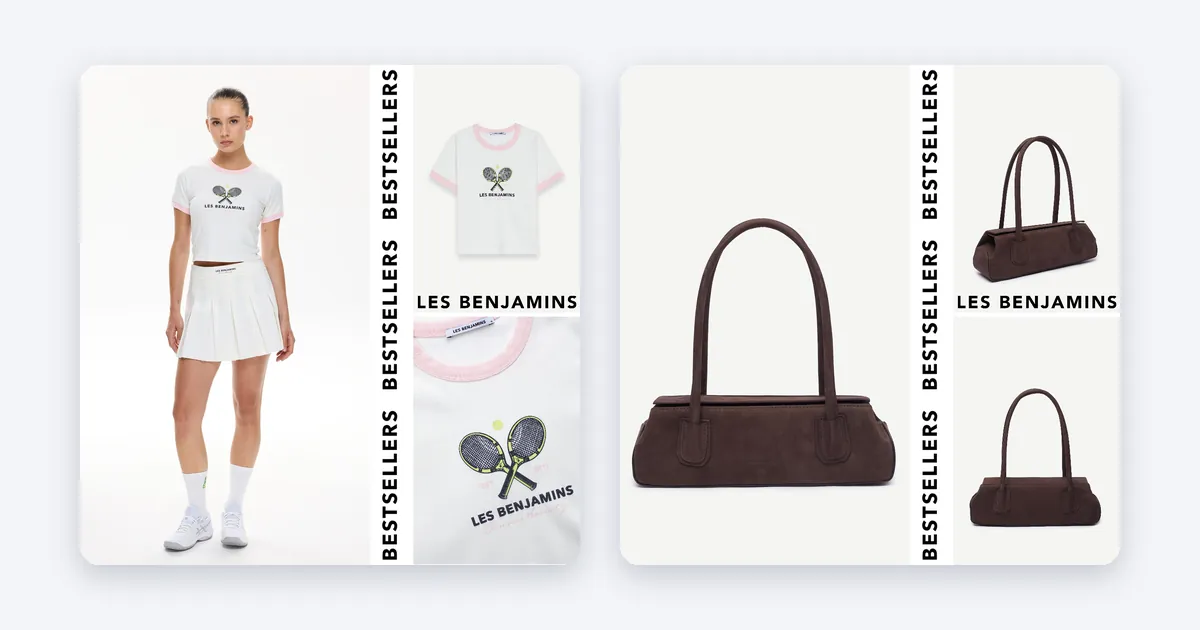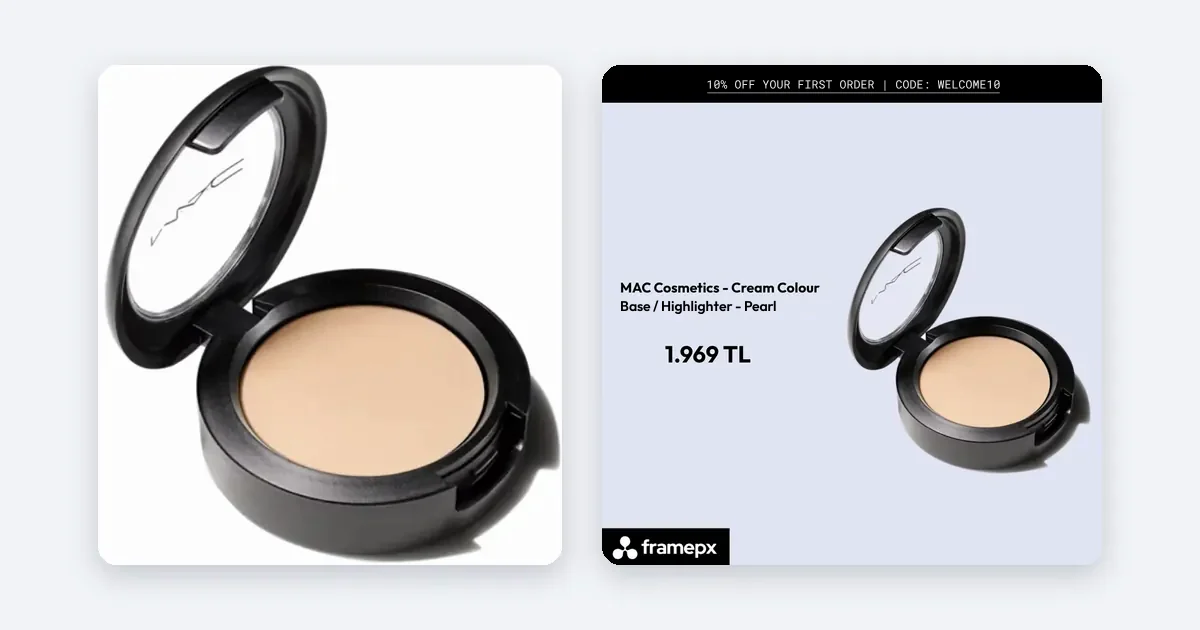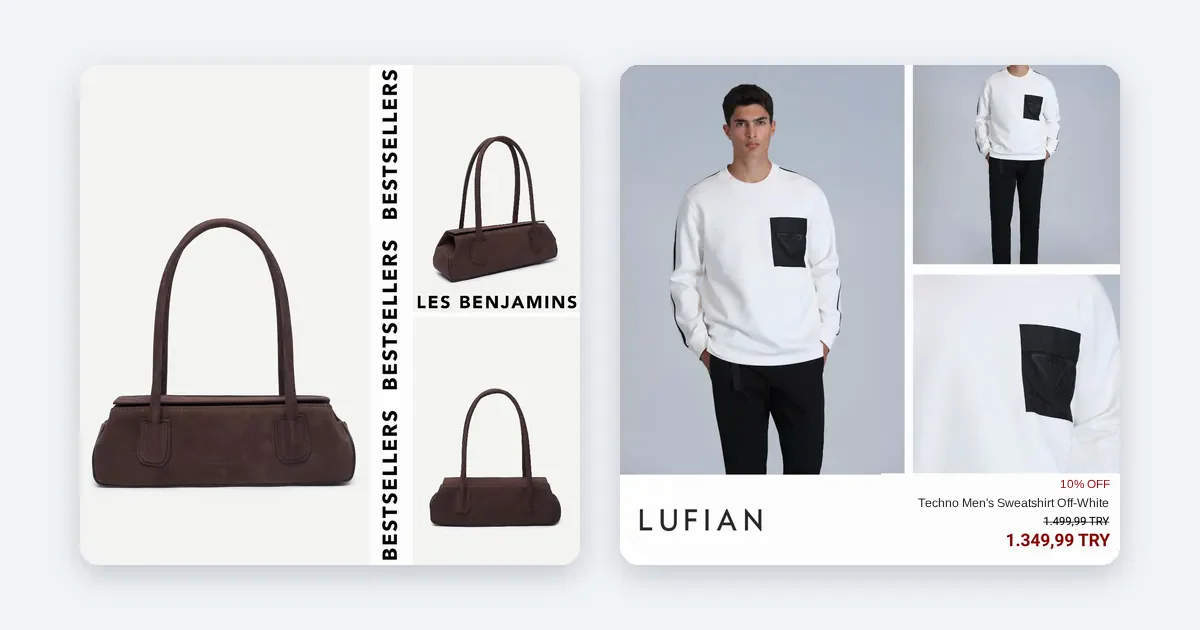
A product feed is a file or a web link that lists every product you sell, with its price, stock status, image and page address, in a format an ad channel can read. Ads need one because Meta, TikTok and Google build product ads from that list instead of from pictures you upload one by one.
What a feed holds
Each row is one product, or one variant of a product. A blue shirt in size M and the same shirt in size L are two rows. The fields are the same in almost every channel, with small differences in names:
- An identifier that never changes for that product.
- A title and a description.
- The price and the currency.
- The availability: in stock, out of stock, pre-order.
- A link to the product page.
- A link to the product image.
- The brand, and often a product group id that ties variants together.
Meta says the same in its own words: each row in a product list represents an individual product, meaning one unique size or color variant (Meta, product list overview). OpenAI's feed spec for shopping asks for nine basic fields, among them an item id, title, description, url, brand, image url, availability and price (OpenAI, product feed spec).
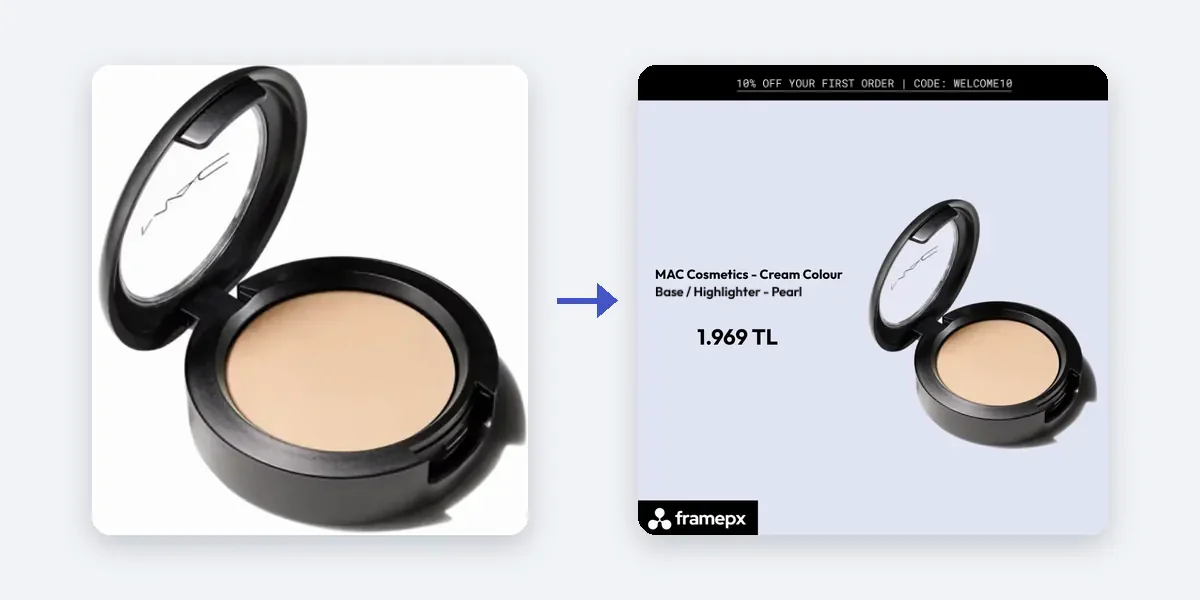
Why ads need a feed
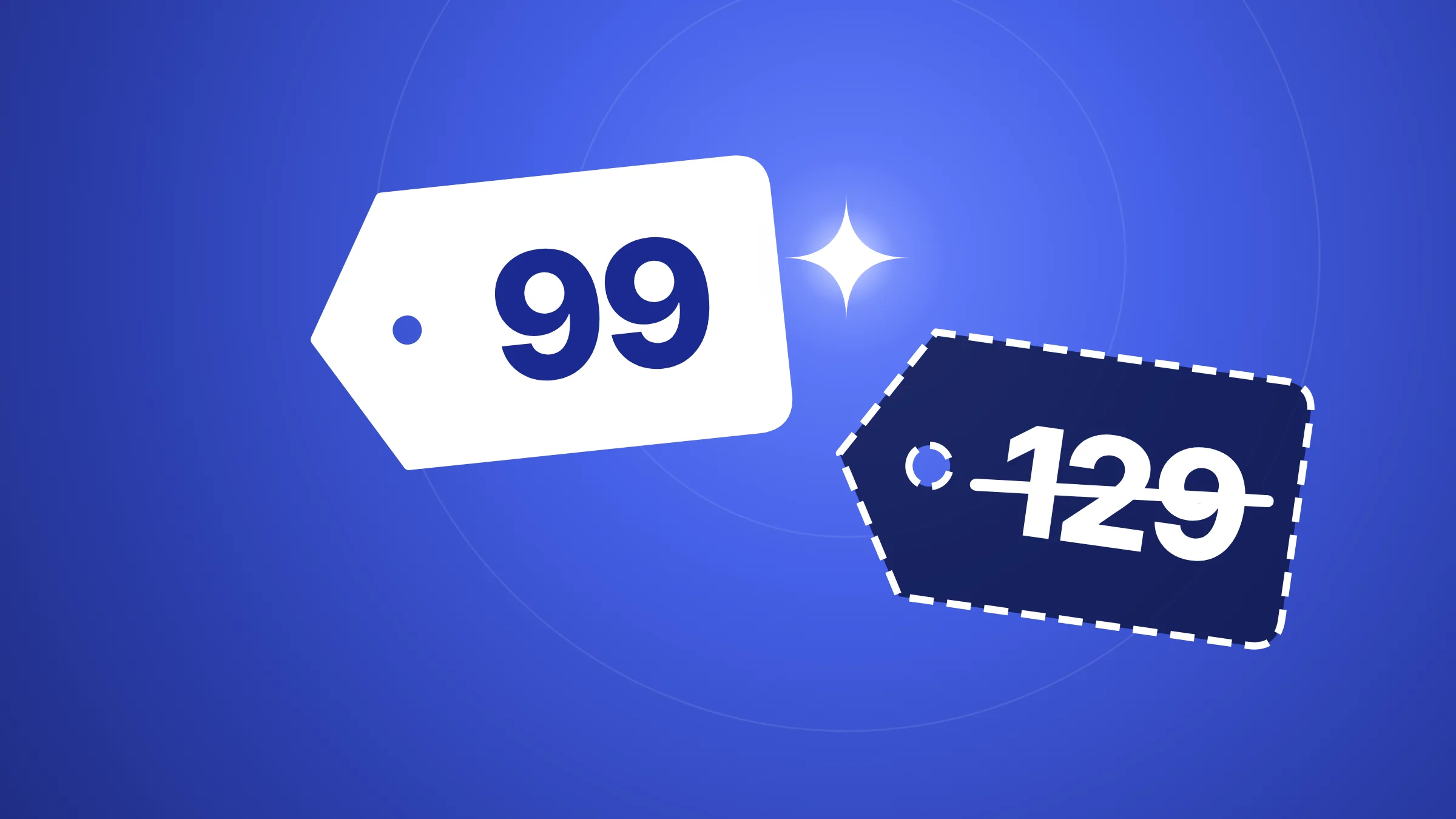
Without a feed, someone has to build an ad for every product by hand. With a shop of 30 products that is a week of work. With 3,000 it is not possible. A feed turns the product list into the source of the ads. When you change a price in your store, the feed carries the change and the ad follows.
A feed also gives the channel something it can check. If the price in the feed does not match the price on the product page, or the image link is dead, the channel flags the item. That is why most "my ad is wrong" problems start in the feed.
Which formats exist
Meta accepts CSV, TSV, RSS XML, ATOM XML and Google Sheets. TikTok accepts CSV, XML (RSS), XML (Atom), ZIP and GZ (TikTok, creating a product list). OpenAI's file format for shopping is different again: it prefers Parquet and also takes compressed JSONL, CSV and TSV.
Most stores do not write these by hand. Check your store platform's settings or app list for a feed or product export, usually XML or CSV. If it has none, a spreadsheet works for a small shop.
How to build a clean feed, step by step
- Export your products. Use your store's feed or export tool. Check that you get one row per variant, not one row per product page.
- Fix the identifiers first. Every product needs a stable id. If an id changes each export, the channel treats it as a new product and your history is lost.
- Write titles for people. Brand, product type and one distinguishing detail: color, material, size. Keep it short.
- Check price and stock against your site. Open five products on the site and compare them with the feed rows. They must match to the cent. Use the same currency in both.
- Check images. Each image link must open in a browser without a login. Use a clean, sharp photo of the product.
- Host the feed on a stable HTTPS address. The channel will fetch it again and again. A link behind a password or a firewall will fail.
- Add it to the channel. In Meta, open Commerce Manager, then your product list, and add a data source. In TikTok, open Assets, then the product list screen, and add a data feed schedule. Paste the link.
- Set the schedule. Meta offers hourly, daily or weekly fetches. Meta's overview suggests a daily full replace, with more frequent updates for changes such as stock (Meta, product list overview).
- Read the diagnostics after the first fetch. Both channels list missing fields and rejected items. Fix the errors first and the warnings after.
Two traps
A product can sit in only one feed in a Meta product list. If you load the same ids from two sources, one of them loses. And a full replace deletes every product that is missing from the file, so do not send a half-finished export on a replace schedule.
How Framepx uses your feed
Framepx is an AI system for product ads, offered as AI as a service. Its AI engine reads the products in your feed and turns each one into your brand's own ad in 1:1, 4:5 and 9:16. When a product's price or stock changes in the feed, the ad changes with it. The decision engine then picks which product shows where, from price, stock, the channels' results and GA4.
The channels read the finished ads through a feed link today. Your feed is the starting point. You can start free for up to 30 days on the steps the panel asks. See Pricing for the plans.
Frequently asked questions
Is a product feed the same as a product page?
No. The page is for a shopper. The feed is for a machine: one clean row per product with fixed fields. The feed must agree with the page, but it is a separate file.
How often should the feed update?
At least once a day. If your stock or prices move fast, update more often. Meta supports hourly schedules, and its batch interface exists for near real-time stock changes.
Do I need a different feed for each channel?
Often one feed is enough, with small differences in required fields. TikTok needs the listed currency to match the product list's default currency, so a shop selling in two currencies needs two product lists.
Can I use the same feed for ChatGPT shopping?
The fields overlap, but OpenAI's spec has its own required names and delivery road, and at the time of writing the standard upload targets the US. Read the spec before you plan around it.
Want ads built from your own feed? Schedule a demo.
Written by
Framepx team, Editorial team
The Framepx editorial team writes for brands, marketers and agencies about ad platforms, measurement, creative and product feeds.