To have your products considered for ChatGPT shopping, send complete and accurate product data in OpenAI's feed format: stable ids, clear titles, plain descriptions, live prices and stock, and working page and image links. Nobody can promise that a product will show, but missing or wrong fields make a product ineligible.
What OpenAI asks for
OpenAI publishes a product feed spec. A basic discovery feed needs nine fields: item id, title, description, url, brand, seller name, image url, availability and price (OpenAI, product feed spec). The spec also gives format rules:
- The item id is a stable string, unique per item or variant.
- The title should be 150 characters or fewer.
- The description is plain text, 5,000 characters or fewer.
- The url and image url are absolute, public addresses, with HTTPS preferred. The image should be a direct link to a JPEG or PNG.
- Availability uses fixed values: in stock, out of stock, pre-order, backorder or unknown. A missing or unknown value rejects the row.
- Price is an amount and an uppercase three-letter currency code, such as
79.99 USD. - A GTIN is optional, but if present it must be a valid 8, 12, 13 or 14 digit number.
- Files use UTF-8. An unknown optional value is left out, never written as
nullorn/a.
Variants each get their own row, a shared group id and a variant description of option names and values.
How the products are delivered is on a second page. OpenAI says feeds are sent over SFTP, that Parquet is preferred, that compressed JSONL, CSV and TSV are also supported, that every upload is a full snapshot, and that you should publish at least daily (OpenAI, file upload guide). A product left out of a later snapshot is removed. The same page says it does not describe how products are displayed, and the feed spec notes that the standard upload currently targets the US. Check both pages again before you build anything, because this area changes quickly.
Step by step
- Start from your existing feed. Ads feeds for Meta or Google already hold most of these fields. Export it and map each column to the OpenAI names.
- Make ids stable. An id that changes each export is a new product every time. Use your SKU or a store id that never moves.
- Write titles that name the product. Brand, product type, one distinguishing detail. Keep it under 150 characters and do not stuff keywords.
- Write descriptions a person would read. Say what it is, what it is made of, what size or fit it has and who it is for. Plain text, no HTML, no all-caps.
- Check price and availability. They must match the product page. OpenAI tells sellers to update the feed when a sale starts or ends, since dates do not change prices by themselves.
- Check links. The page opens, the image is a direct JPEG or PNG, and nothing needs a login.
- Fill the optional fields you really have. A GTIN, color, size, material. Only true values. Leave out what you do not know.
- Group variants. One row per size or color, tied together by one group id.
- Validate before sending. Check the file against the field rules above. Missing required fields and malformed values are the failures OpenAI names as most common.
- Send a full snapshot at least daily. Overwrite the same file name each time.
What helps no matter which channel
Good product data helps every shopping surface. A clear title and an honest description help a human reading a result, and they help a model summarizing your product. Reviews, policies and a clear return page on your own site matter too, since a shopper who clicks through checks them.
A word on expectations
OpenAI's pages describe eligibility and delivery. They do not describe ranking, and they do not say how often a given product is shown. Treat the feed as the entry ticket. We make no claim of ours about ChatGPT results, and no one should sell you a guaranteed position.
Where Framepx fits
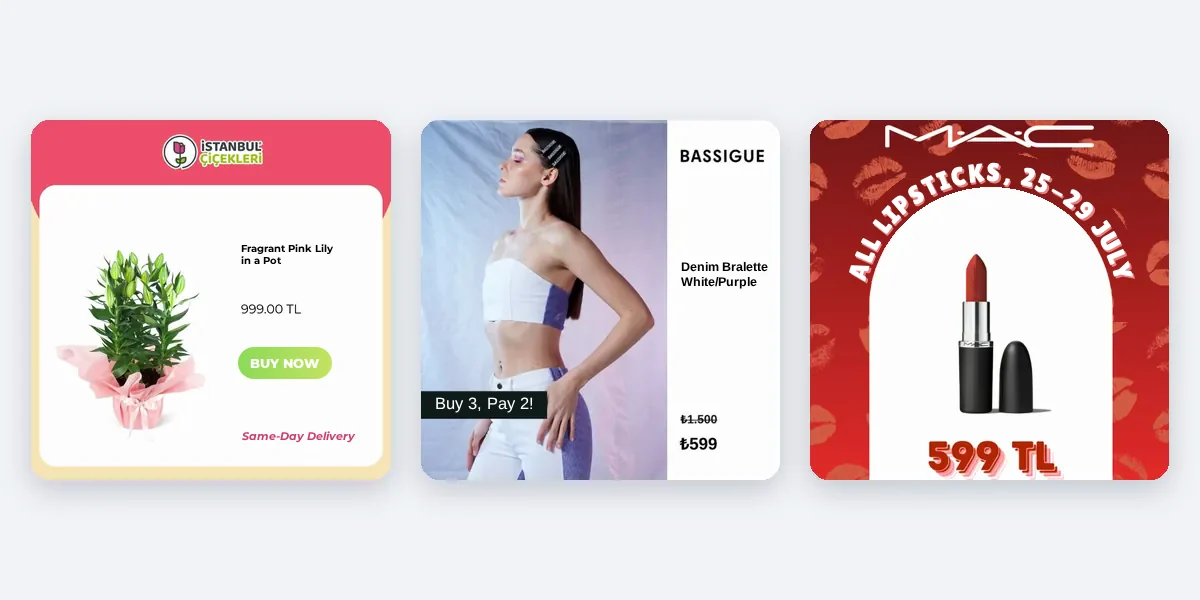
Framepx is an AI system for product ads, offered as AI as a service. It works from your product feed: its AI engine turns each product into your brand's own ad in 1:1, 4:5 and 9:16 and keeps each ad in step with the product's price and stock. The same clean feed that Framepx needs is the one you would adapt for any shopping surface. Framepx does not send to ChatGPT. The channels read its ads through a feed link today. You can start free for up to 30 days on the steps the panel asks. See Pricing.
Frequently asked questions
Why follow a feed spec at all?
Because it is the part OpenAI documents and you control precisely. OpenAI's pages do not describe how else products are found.
Is there a fee to be listed?
OpenAI's pages describe the feed format and delivery, not fees. Check OpenAI's current commerce pages for terms.
Should my product page match the feed?
Yes. Whatever a shopper sees after the click should agree with the feed on price and stock.
Can shops outside the US join?
OpenAI's spec says the standard upload currently targets the US. Read the current page before planning.
Start with a clean feed: Schedule a demo.
Written by
Framepx team, Editorial team
The Framepx editorial team writes for brands, marketers and agencies about ad platforms, measurement, creative and product feeds.