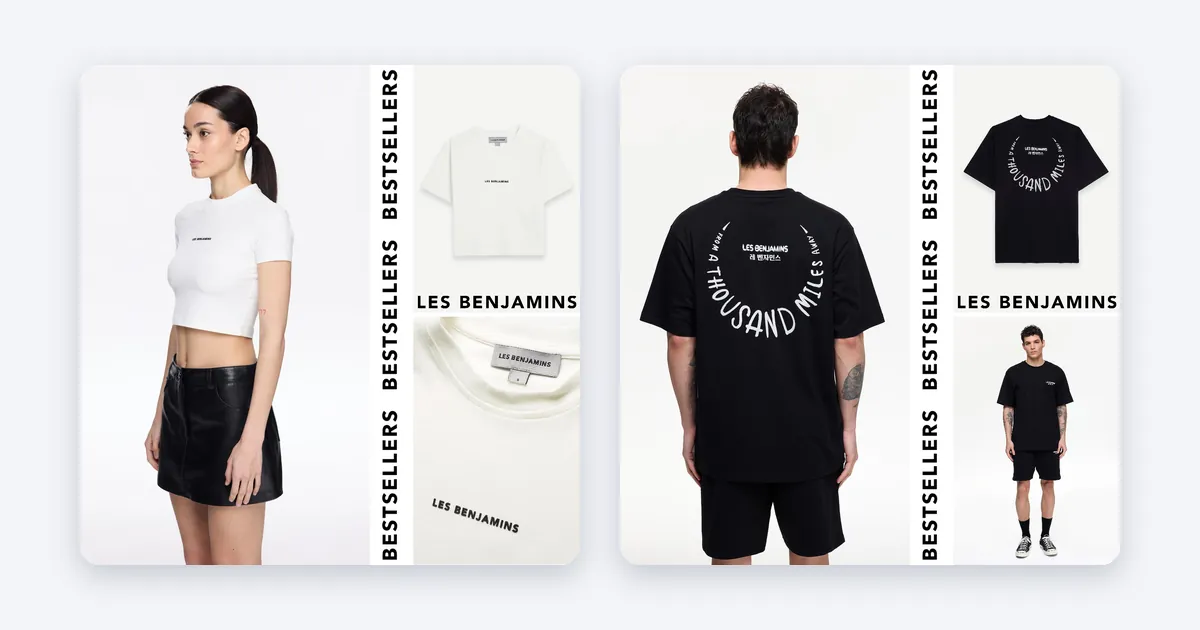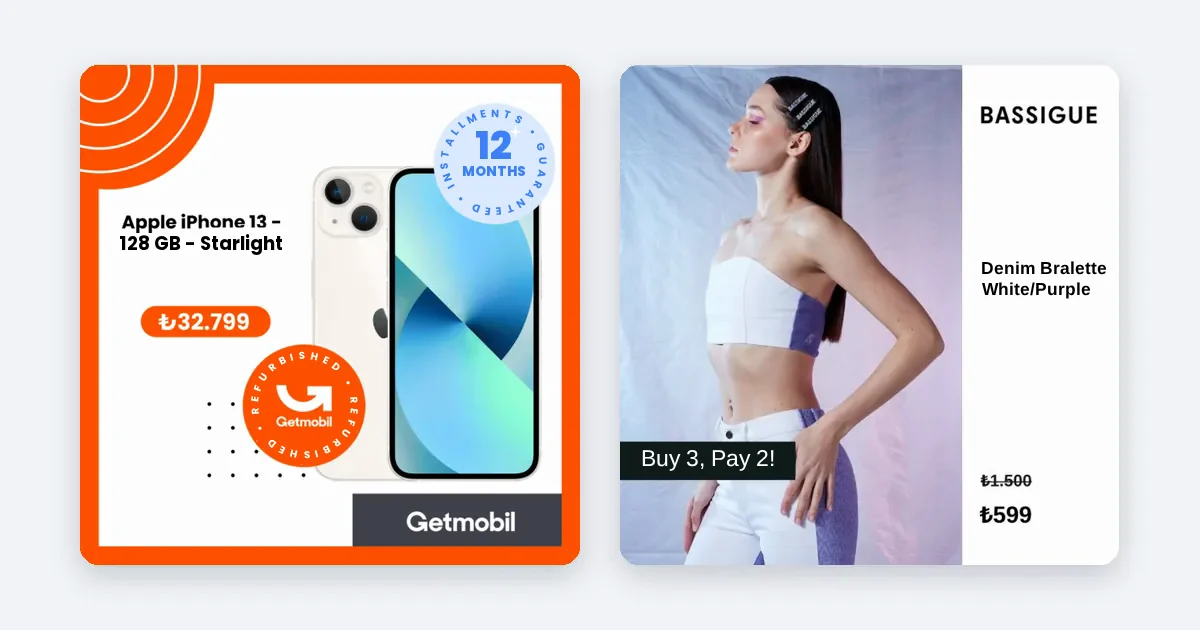
To A/B test product ad creatives on Meta, change one variable, give both versions the same budget, run the test for at least a week, and read the confidence level Meta reports. Meta says tests shorter than seven days may be inconclusive and recommends testing one variable at a time.
What Meta says about a good test
These points come from Meta's own pages. Where two of them disagree, both are shown.
- One variable. Meta advises choosing a single variable, and suggests creative elements such as ad format, video length or aspect ratio as first tests. Results are clearer when the compared ad sets are identical except for that variable.
- Equal budget. Duplicating a campaign also duplicates its budget. Meta recommends the same budget for both versions for a fair comparison.
- Duration. The Help Center says a test can run from 1 to 30 days and that tests shorter than 7 days may produce inconclusive results. Meta's separate A/B testing page recommends at least two weeks and up to 30 days. These two statements differ, so plan for two weeks if you can.
- No overlap. Do not reuse the test audience in other campaigns that run at the same time, because that may cause delivery problems and contaminate the result.
- Confidence. Meta reports a confidence level. Read its wording on the results page before you call a winner.
- No manual switching. Turning ad sets on and off by hand is described as informal testing that can lead to inefficient delivery and unreliable results.
Sources: Meta, About A/B testing, Best practices for A/B tests, About A/B test results, A/B testing ads. Meta changes these pages, so check the current wording in Ads Manager.

Pick one thing to test
A test that changes the image, the headline and the audience at once tells you nothing. For product ads, good first variables are:
- Background or style. A plain white background against a branded scene.
- Price display. Price shown on the image against no price on the image.
- Aspect ratio. 1:1 against 4:5 in the feed.
- Offer line. A discount badge against none.
Write the test as a sentence before you start: "A branded background will get a higher click-through rate than a white one on the same products." If you cannot write the sentence, the test is not ready.
Set up the test step by step
- Open Meta Ads Manager and choose the campaign you want to test, or duplicate it.
- Start the A/B test tool and choose the variable, such as creative.
- Build version A and version B so that only the tested element differs. Use the same product set, audience, placement, budget and schedule.
- Choose the key metric before you start: cost per purchase, ROAS or click-through rate. Pick one.
- Set the schedule. A week is the lowest sensible length and two weeks is safer. Do not end it early because one version looks ahead after two days.
- Keep the tested audience out of other running campaigns.
- Check that the product feed is clean first. A feed error or an out-of-stock product on one side of the test will spoil the comparison.
Read the result
- Open the test result and find the winner on your chosen metric.
- Check the confidence level and read Meta's wording on the results page. If it says the versions performed similarly, do not pretend otherwise.
- If confidence is low, run again for longer or with more budget, as Meta suggests.
- Write down what you learned and carry it into the next test: the winner becomes the new version A.
Common mistakes
- Testing several changes together.
- Giving one version more budget.
- Declaring a winner after two days.
- Testing when your price or stock is changing in only one version.
- Forgetting that a result is true for your audience and your products, not for every shop.
How Framepx helps
Framepx is an AI system for product ads, offered as AI as a service. Its AI engine turns every product in your feed into your brand's own ad in 1:1, 4:5 and 9:16, and keeps each ad in step with the product's price and stock, so two versions of an ad do not drift apart on price. Its decision engine picks which product shows where from price, stock, channel results and GA4 data. The channels read the ads through a feed link today. Running the A/B test itself is done in your Meta Ads Manager; Framepx does not ship a testing feature.
Frequently asked questions
How long should an A/B test run?
Meta's Help Center says between 1 and 30 days and warns that under 7 days may be inconclusive. Its A/B testing page recommends at least two weeks. Two weeks is the safer plan.
How much budget does a test need?
Enough for each version to collect results. Meta suggests raising the budget if a test under-delivers. See our post on how much to spend on Meta product ads for a way to calculate a floor.
Can I test more than two versions?
Meta's tool supports more than two versions, but each extra version needs more budget to reach a readable result. Start with two.
Can I start Framepx for free?
Yes. You can start free for up to 30 days on the steps the panel asks for. See Pricing for plans.
To try ads built from your feed, schedule a demo.
Written by
Framepx team, Editorial team
The Framepx editorial team writes for brands, marketers and agencies about ad platforms, measurement, creative and product feeds.